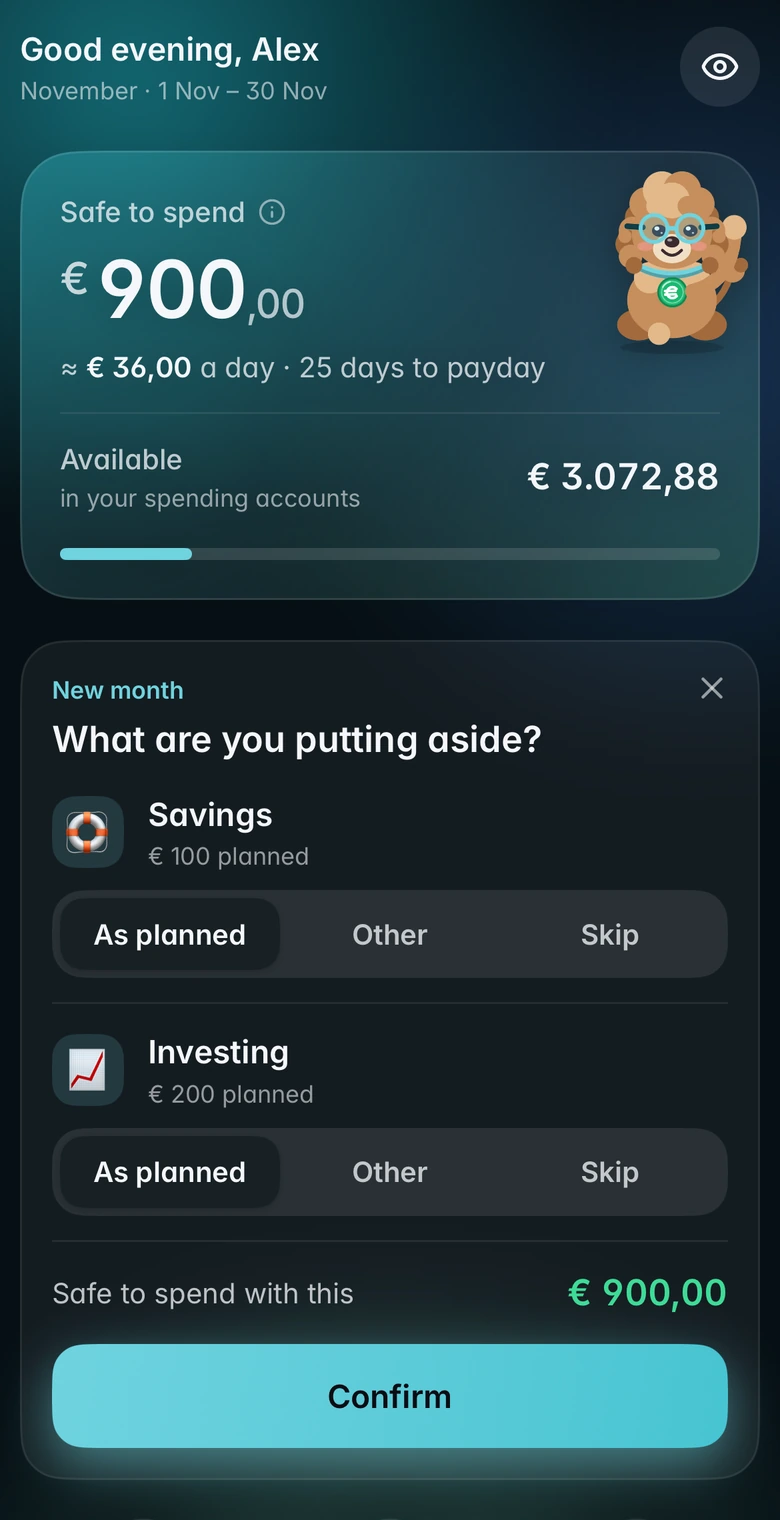
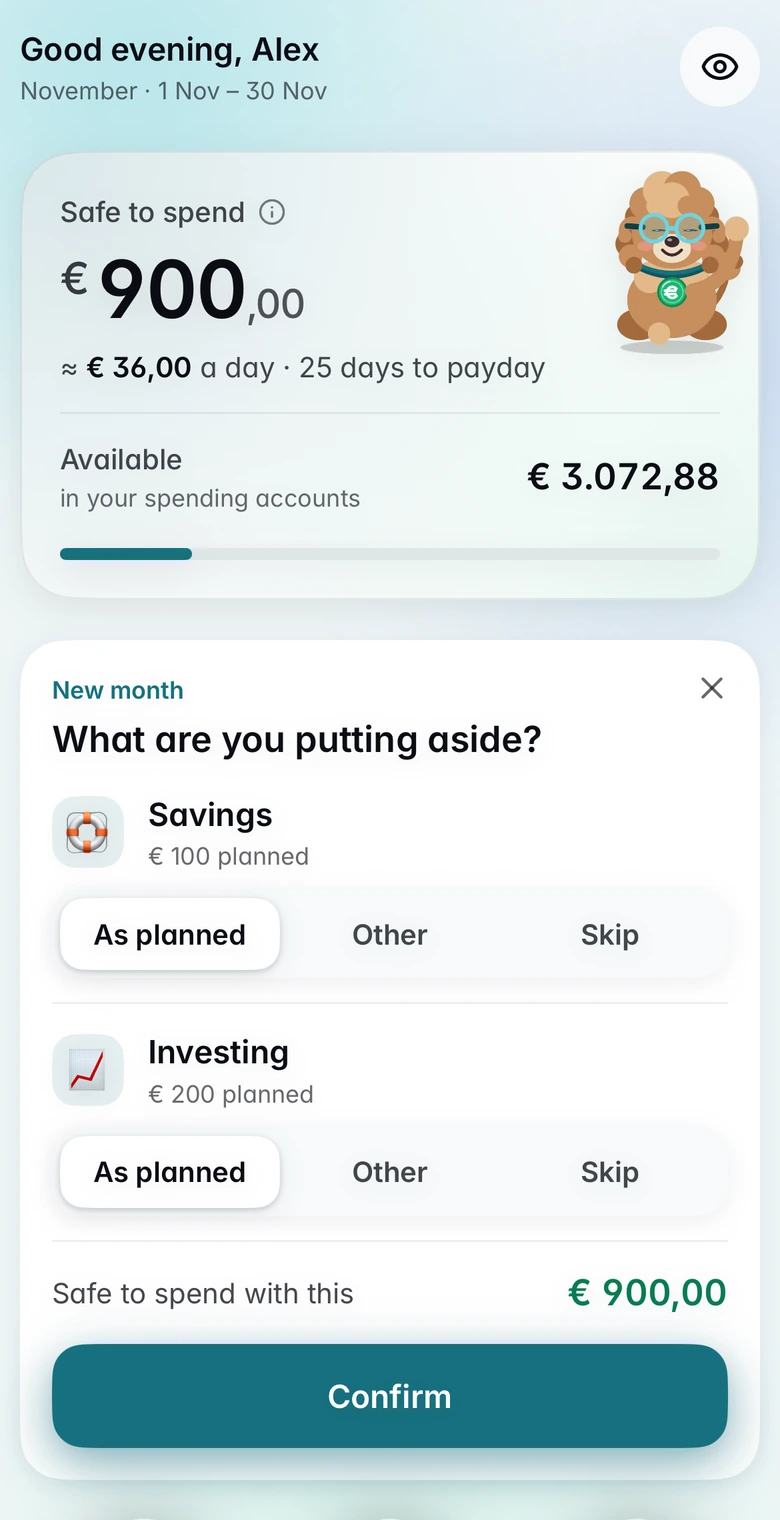
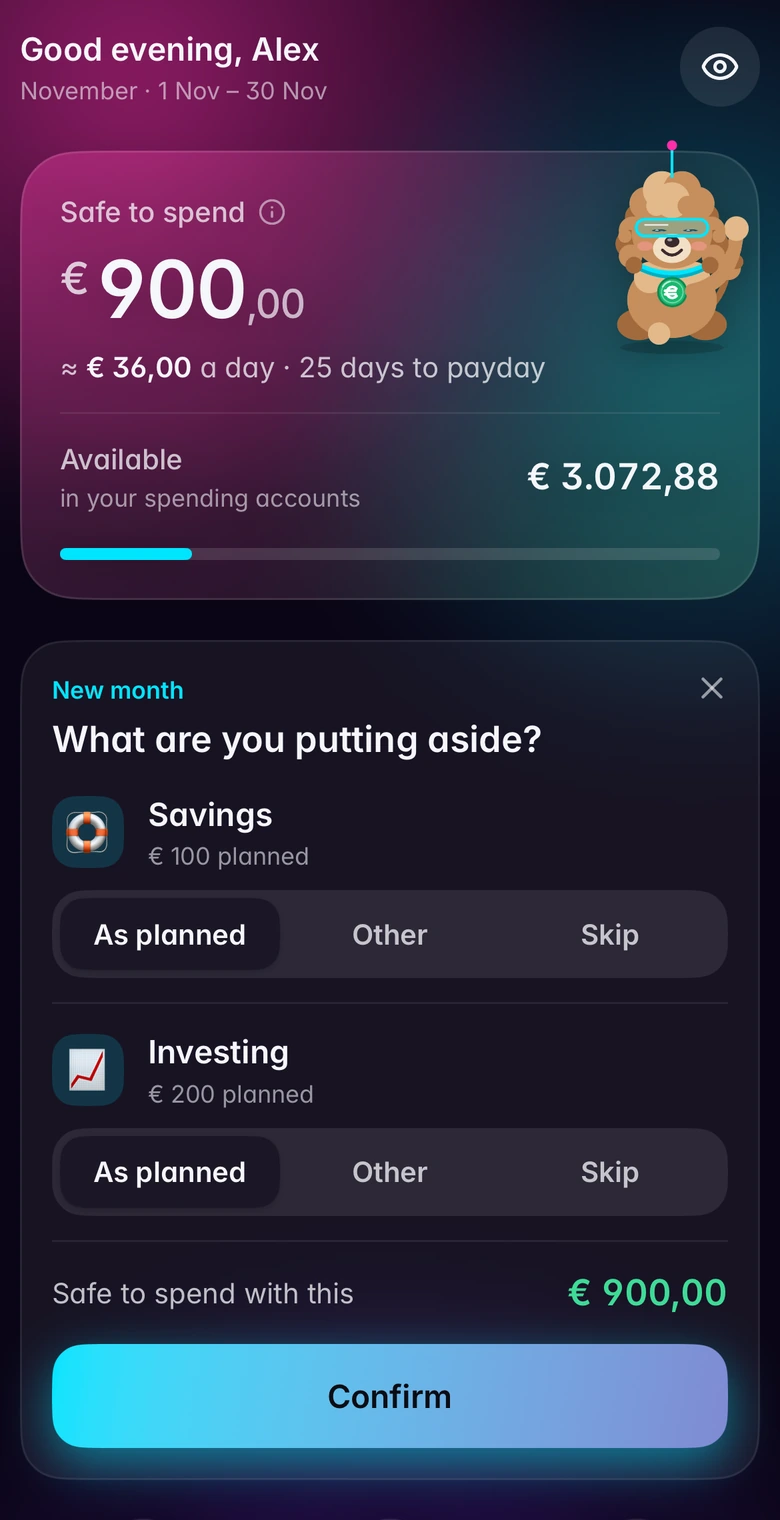
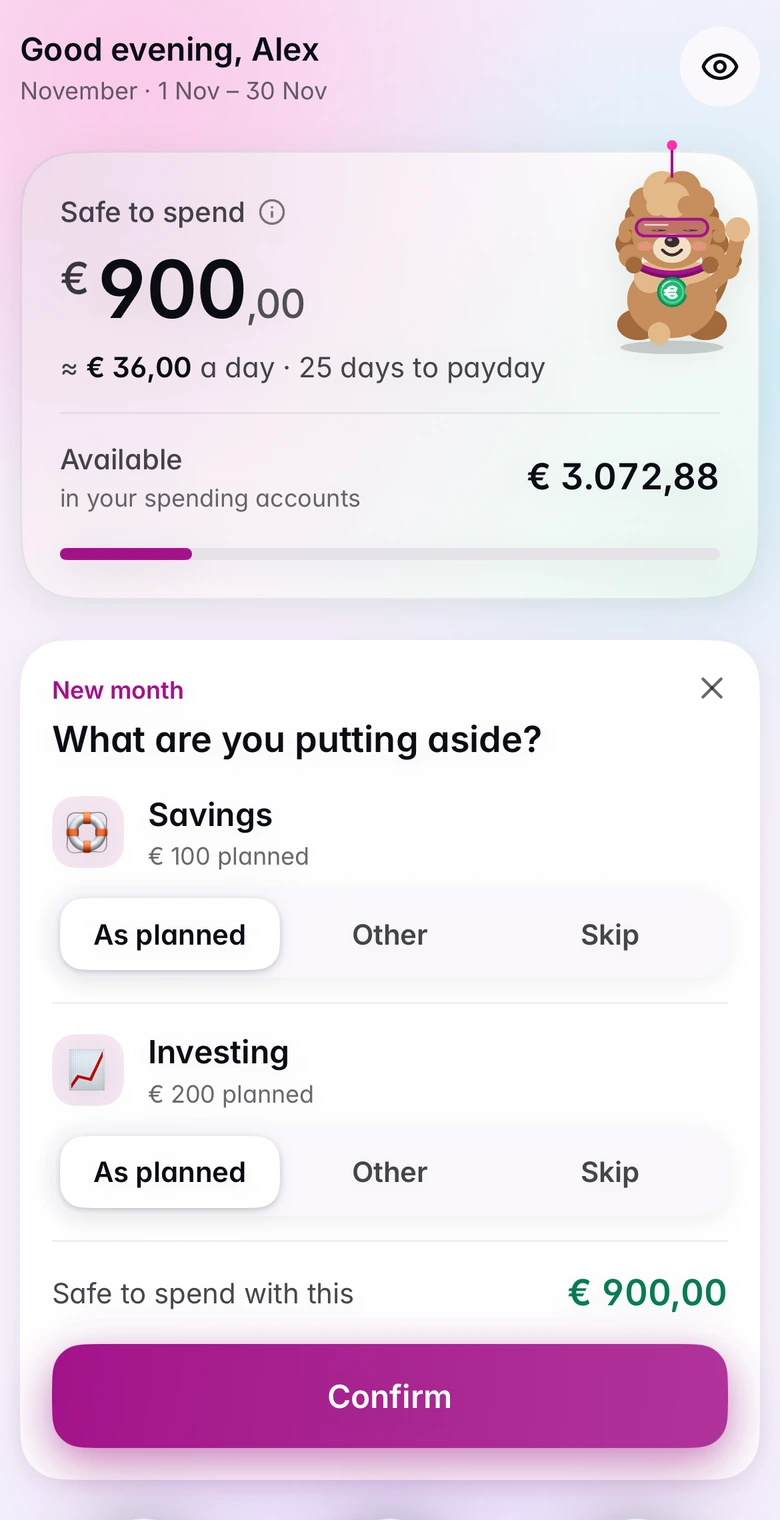
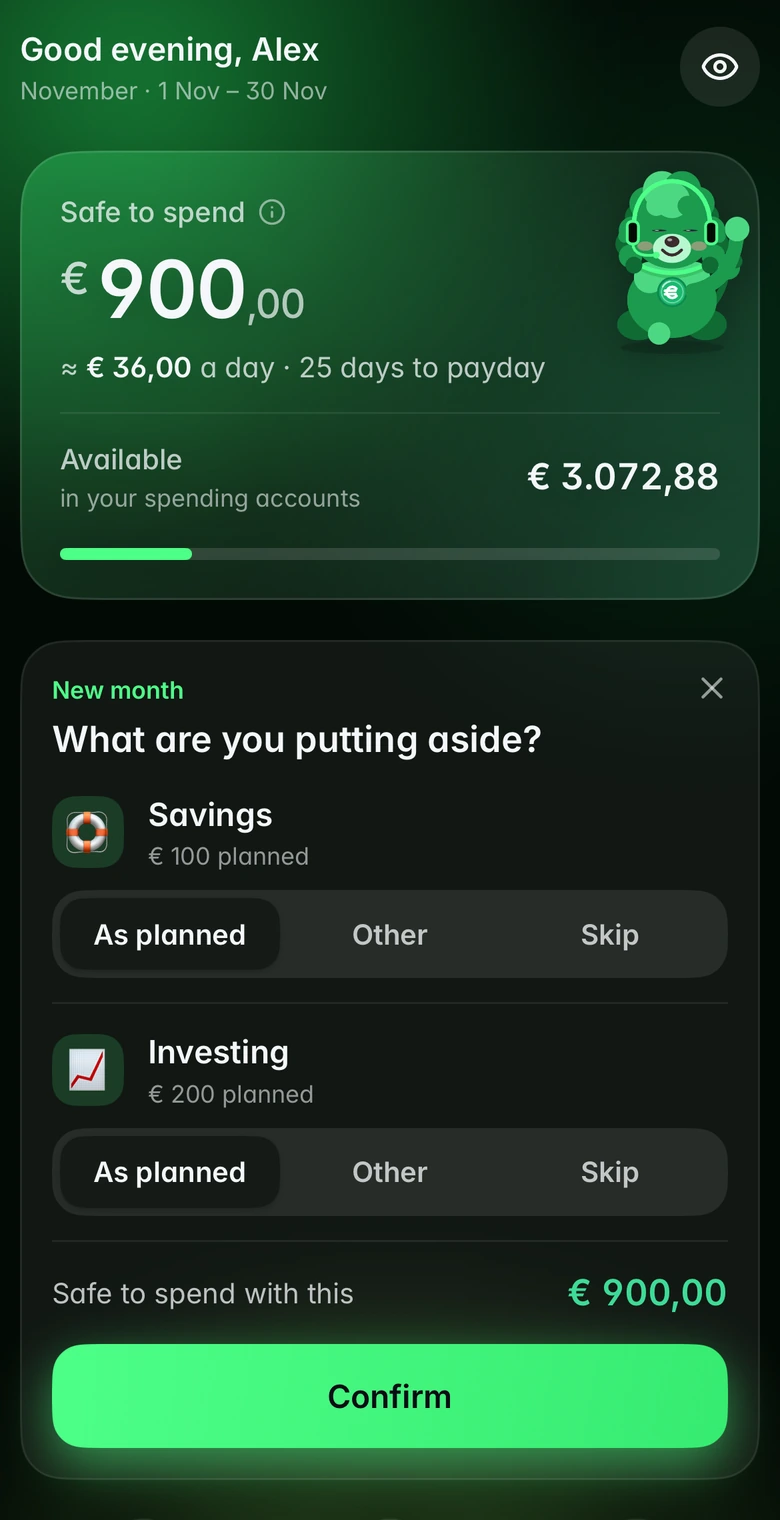
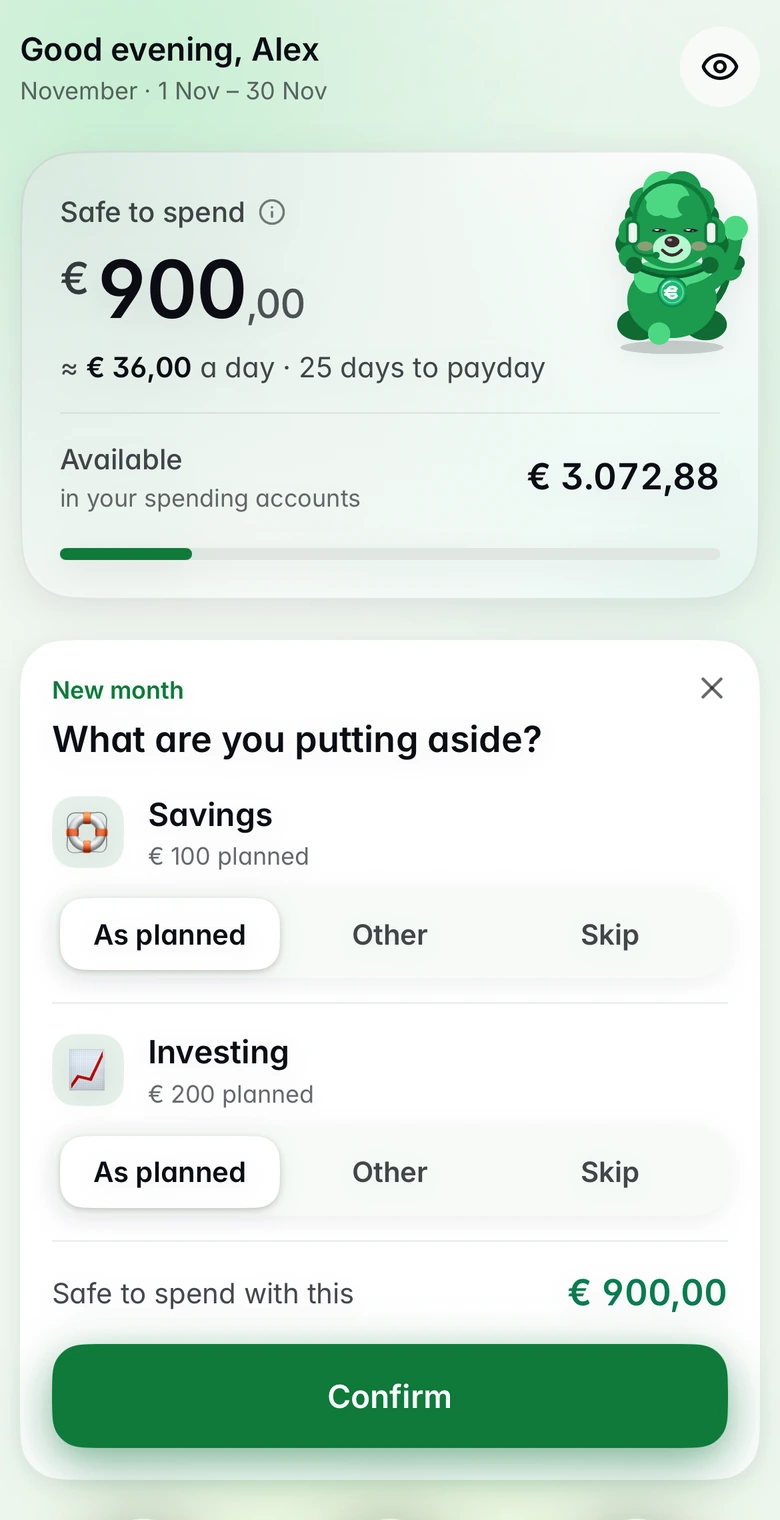
Budgy is the friendly budget that tells you what you can safely spend today, and keeps your money data on your phone, not on a server.
Coming soon to the App Store for iPhone
No bank login
No ads, no tracking
Your data stays on your phone
See Budgy in 40 seconds
Turn the sound on. The screens are from the real app.
The voice in the film is generated with AI. Captions are in English.
Three steps. No spreadsheets.
Budgy turns budgeting into a habit that takes a couple of minutes, not an evening.
1
Plan
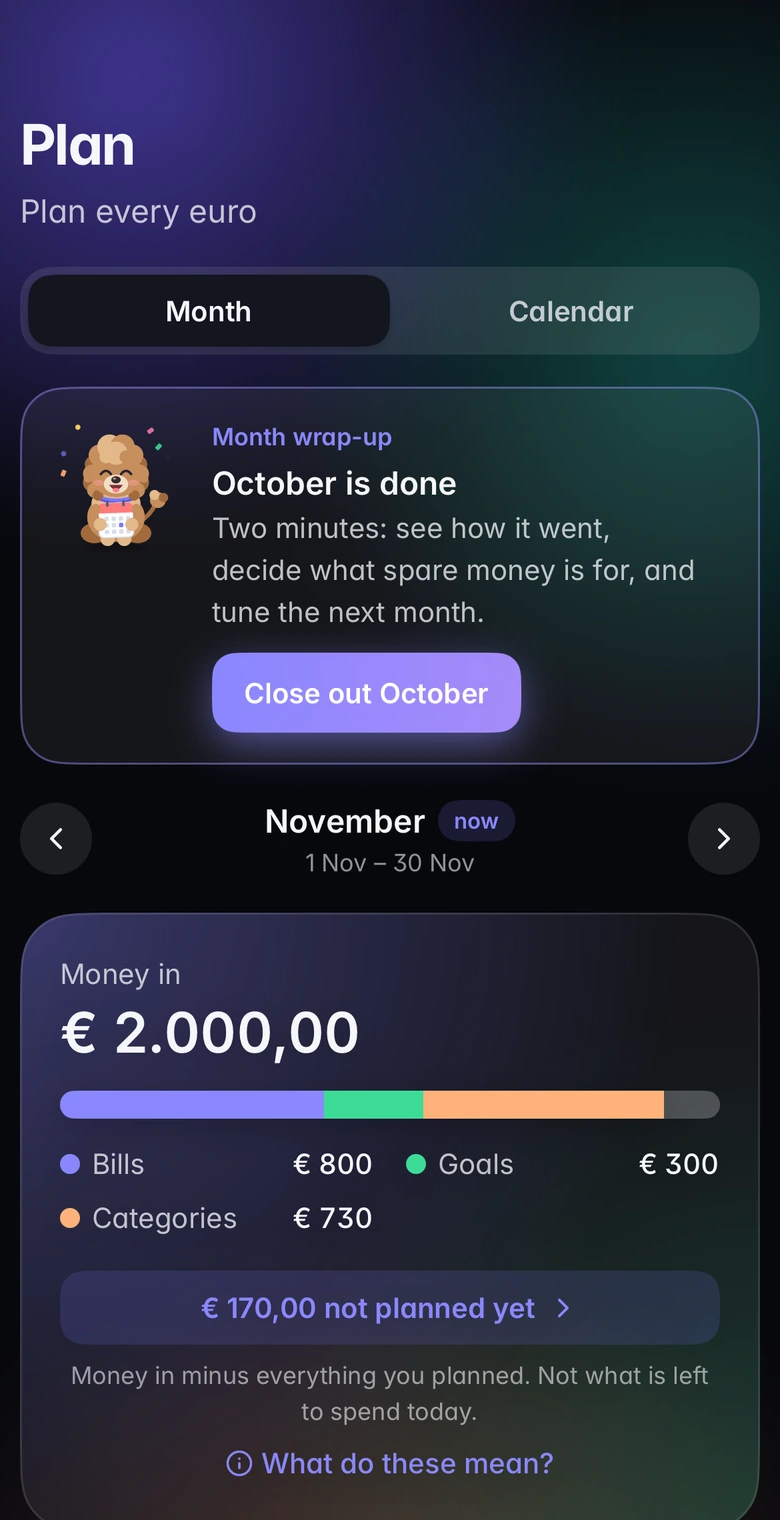
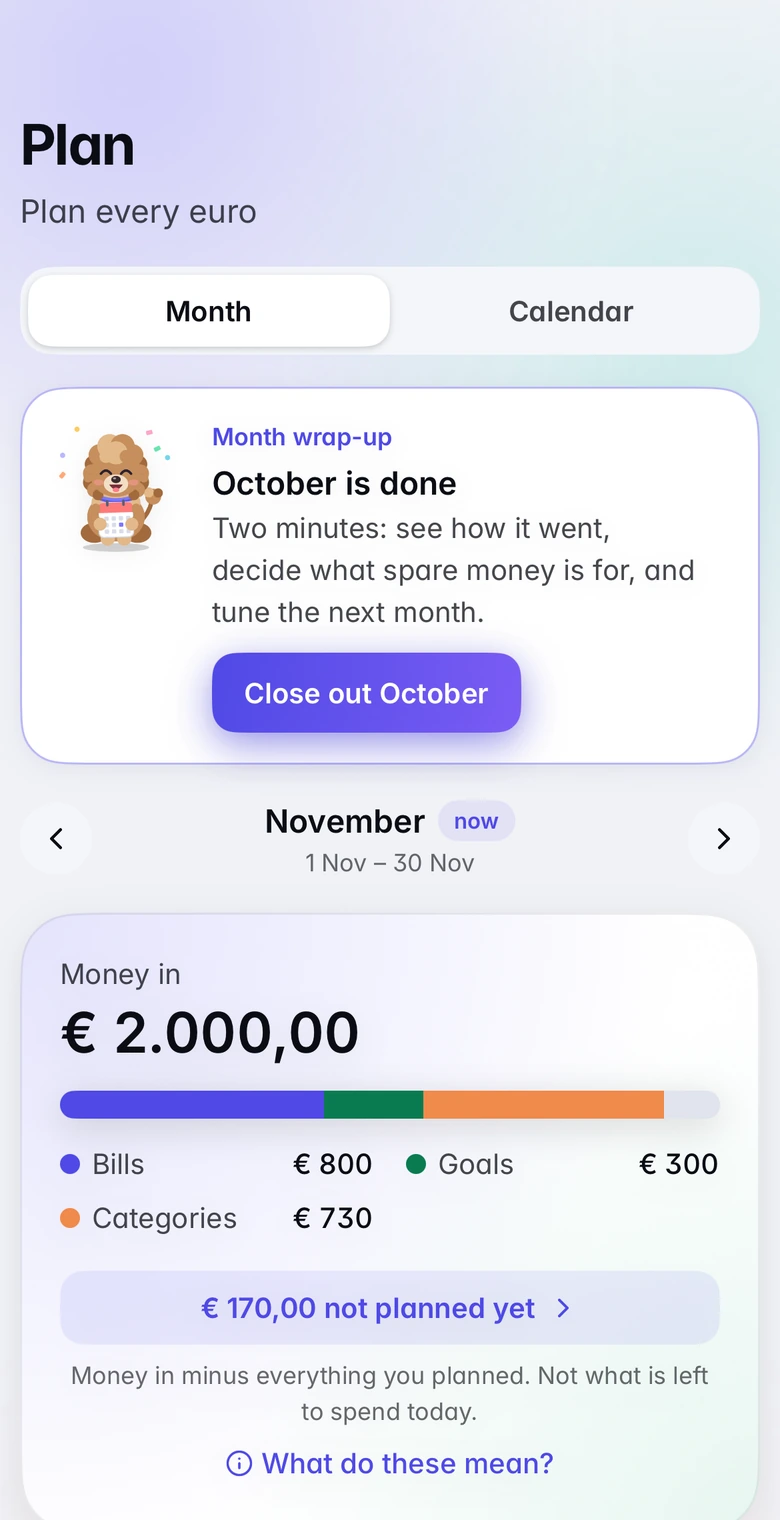
When your salary lands, plan every euro: bills, savings, groceries, fun.
2
Spend
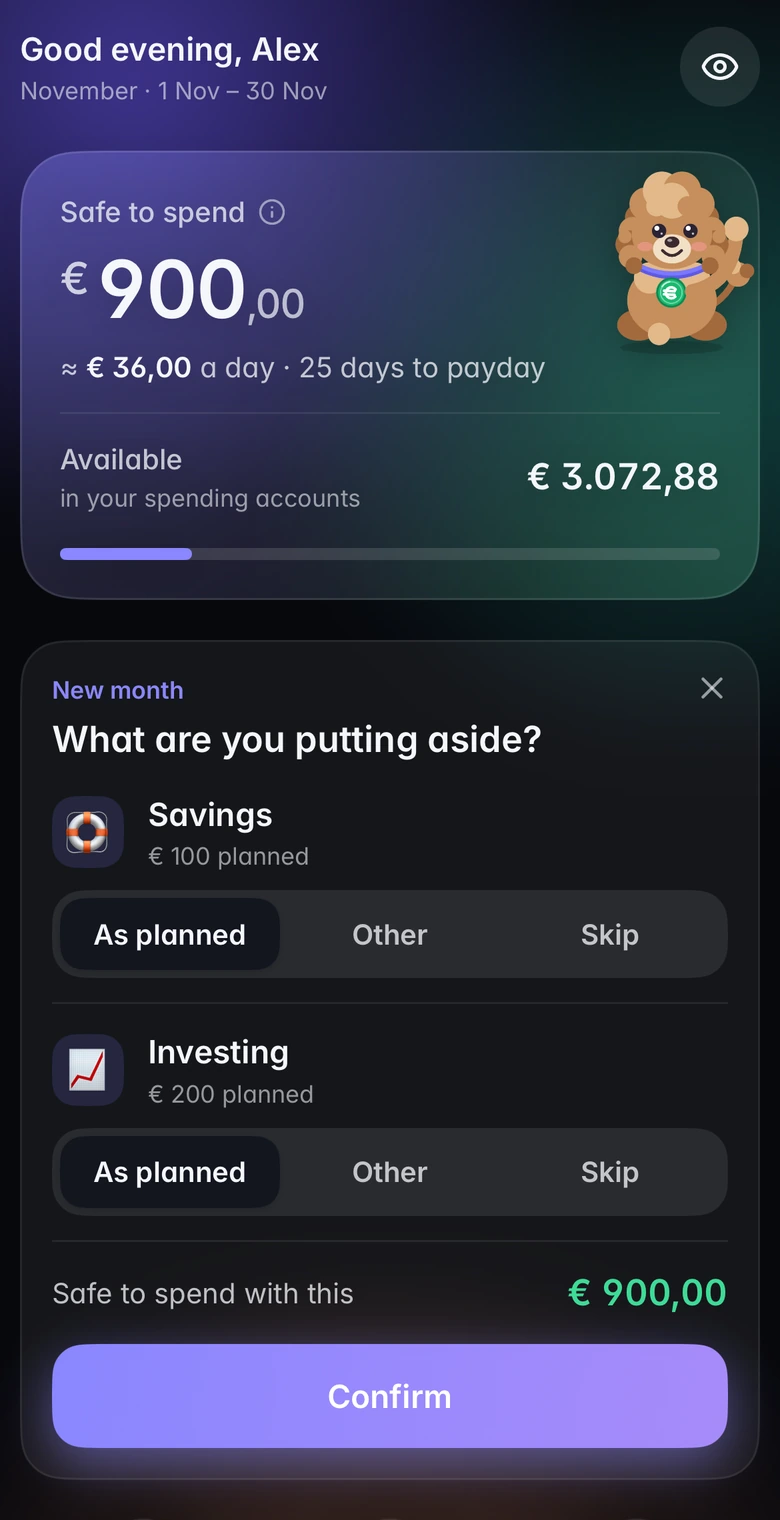
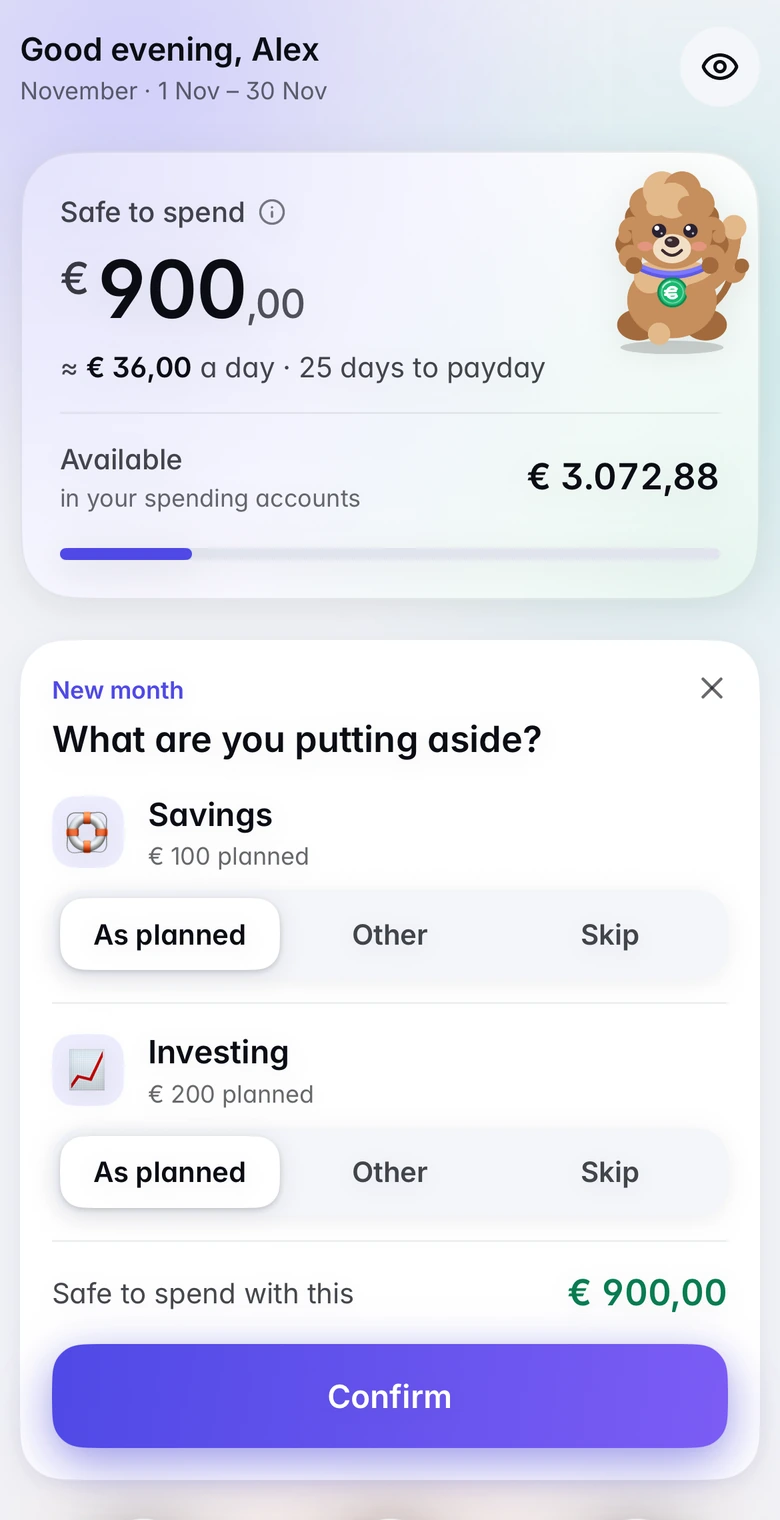
One number tells you what is safe to spend today. Spend it without guilt.
3
Check
Log spending or import a statement. Budgy shows where money left without a plan and cheers your wins.
Everything you need to stay in control
Plan it, spend it, check it. One calm screen at a time.
* Included in Budgy Pro. Everything else on this page is free.
Know what you can spend today
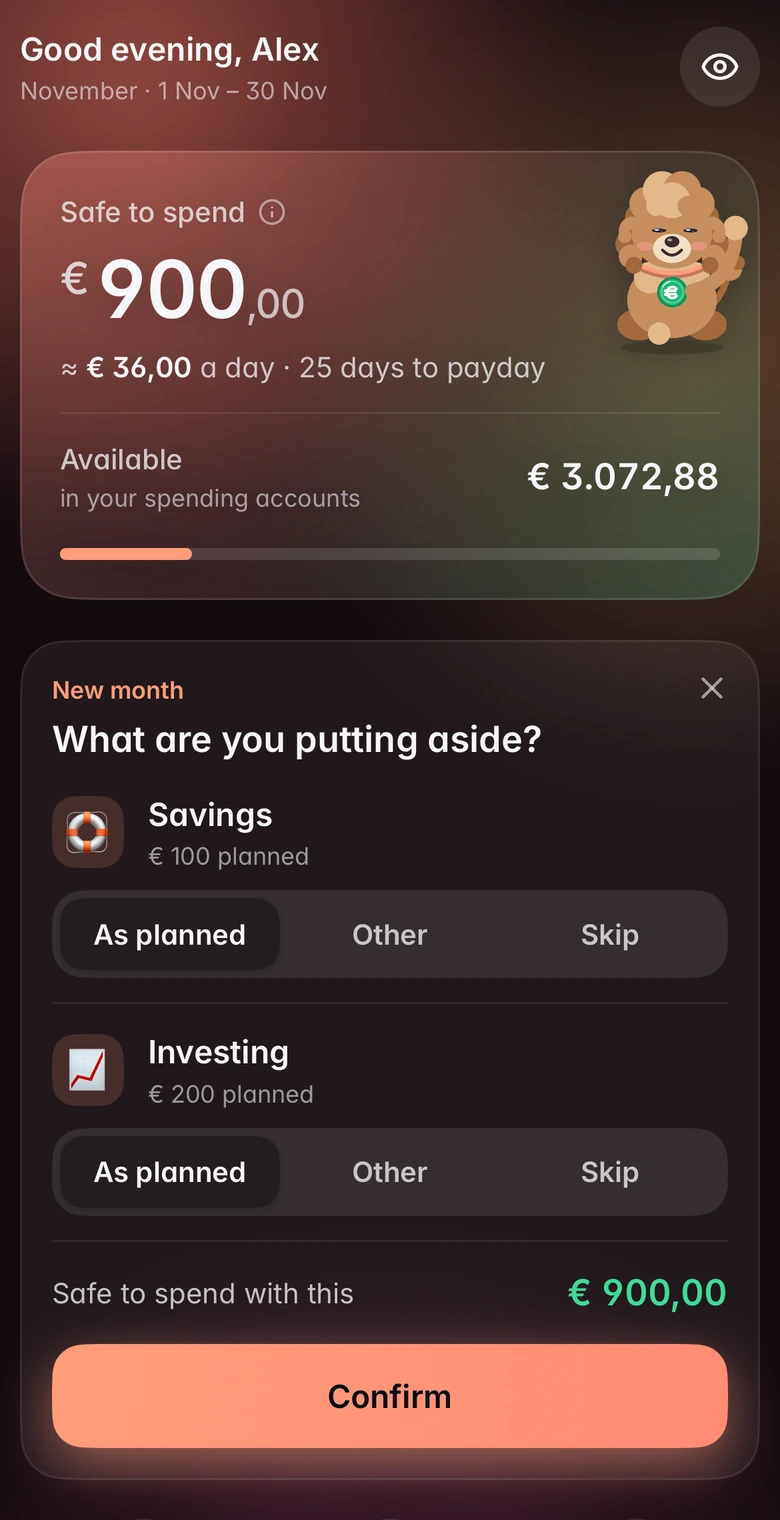
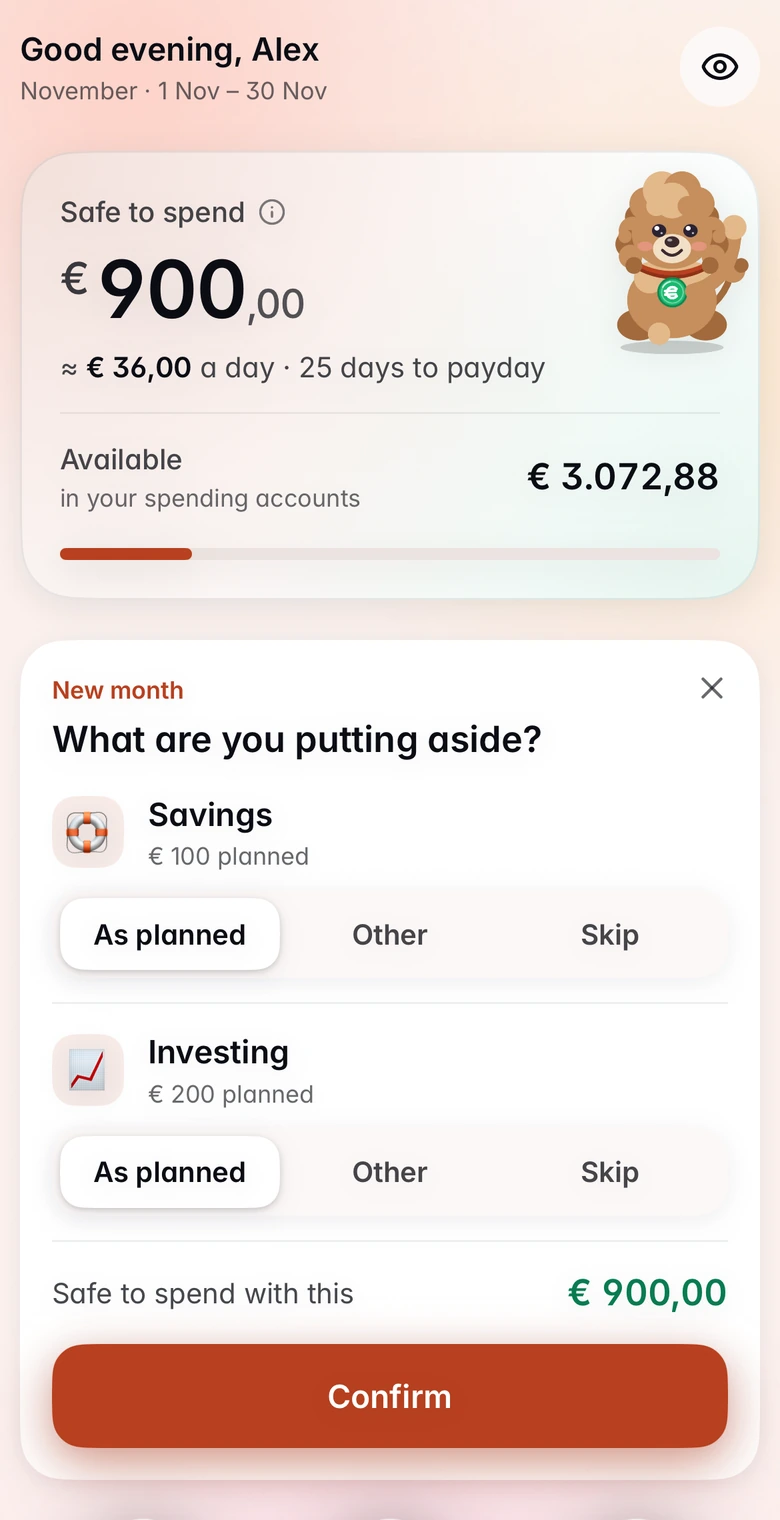
Open Budgy and see a single number: what is safe to spend today, after your bills and your savings are covered.
Updates the moment you log a purchase
Months run payday to payday, the way your money really works
A calm nudge when a category runs hot, never a lecture
Salary counts only once you say it arrived, so the number never shows money you do not have yet
Plan every euro
When your salary lands, Budgy helps you decide where each euro goes: bills first, then savings, then everyday categories.
Bills, savings goals and categories in one clear plan
See exactly what is not planned yet, down to the cent
Cover a category that ran short by moving money from another, for that month only
Import your bank statement
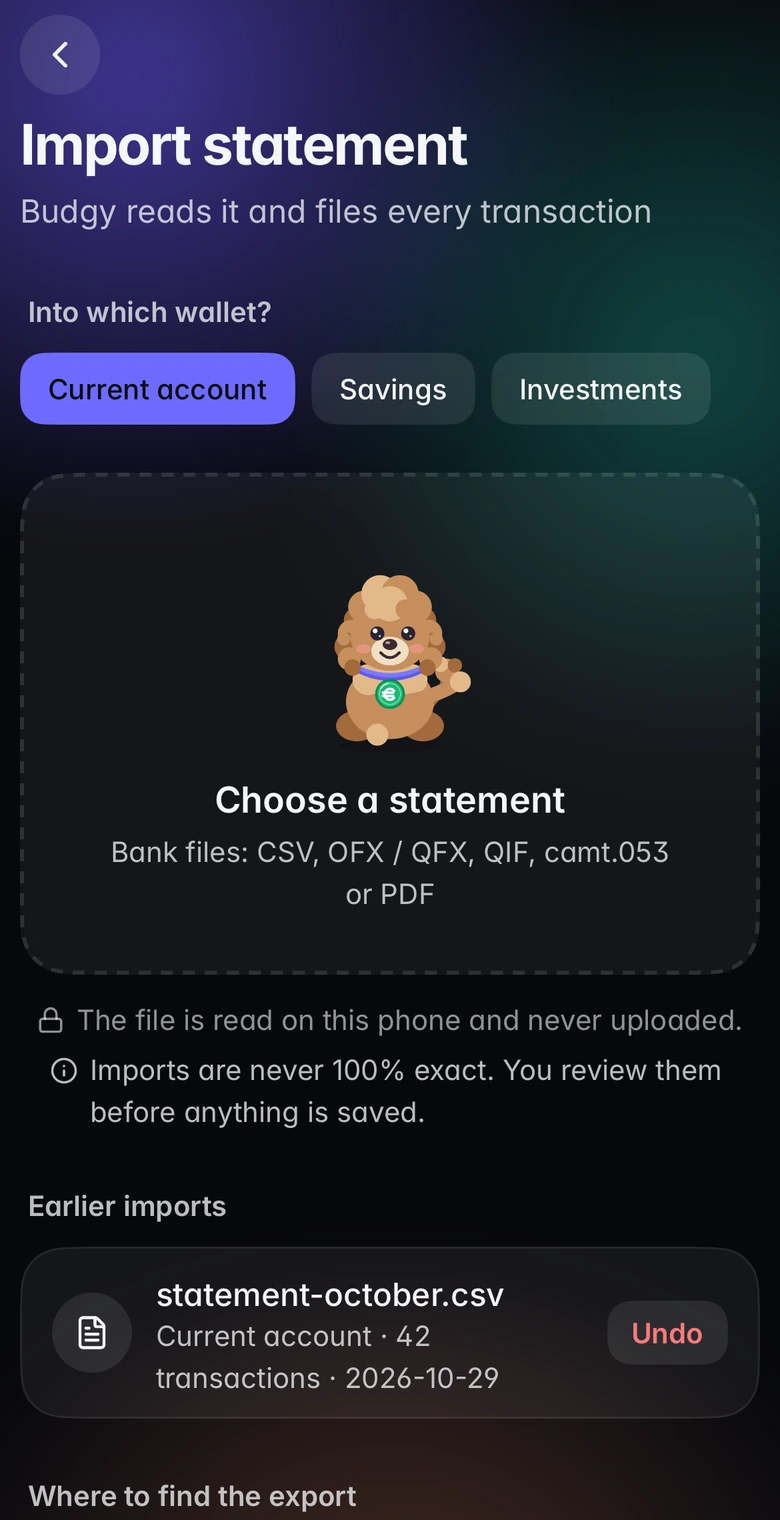
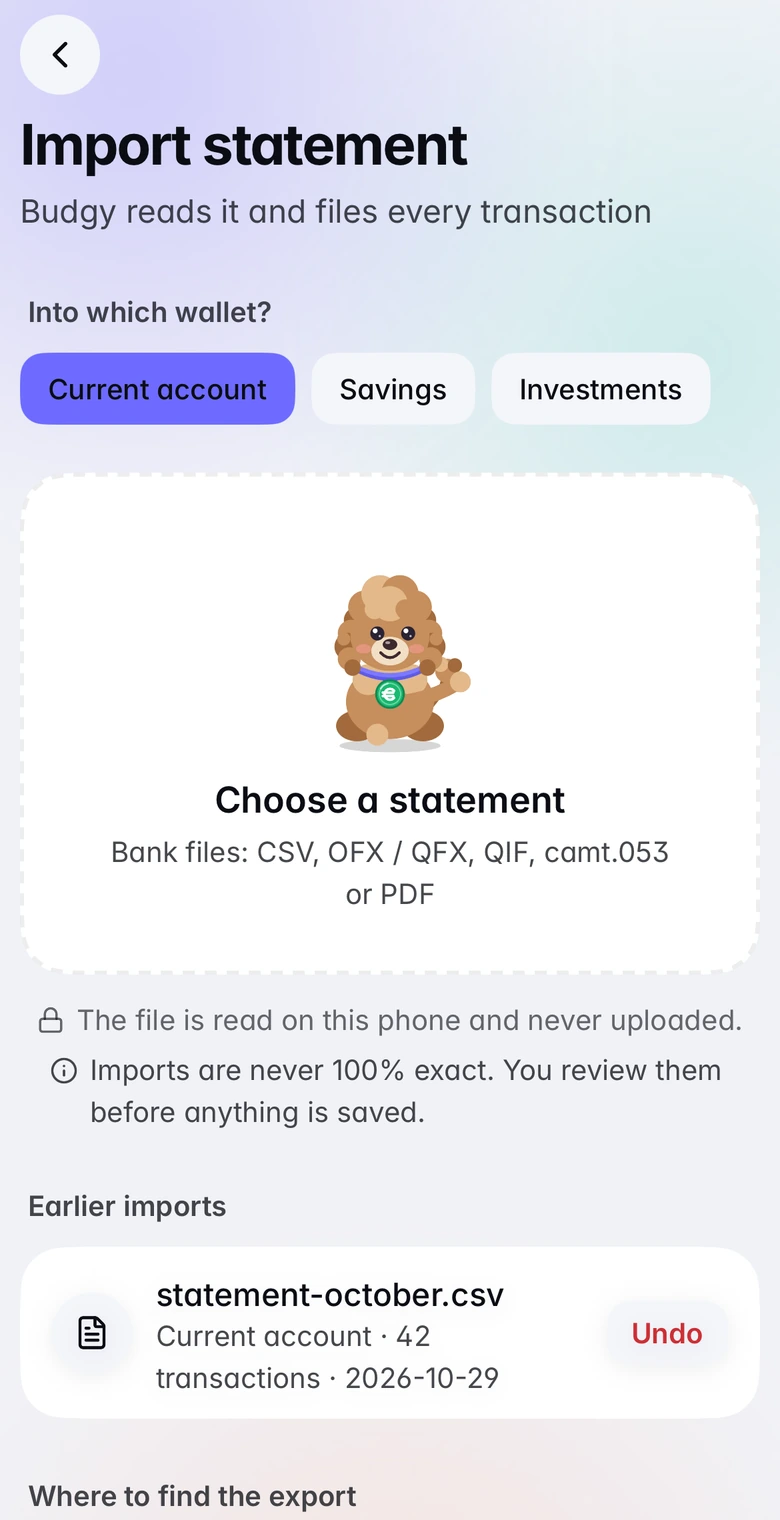
Drop in the statement you download from your bank. Budgy reads it on your phone and suggests a category for each line. You check them before anything is saved.
CSV, OFX/QFX, QIF, camt.053 XML and PDF statements, read on the device and never uploaded
Finds duplicates, recognises merchants and learns your corrections
Lines it is unsure about are marked, so you know exactly what to check
Your first 3 imports are free. Unlimited imports, PDF and broker files come with Pro*
Make it yours with 15 colour styles
Budgy Violet, frosted mist, sage, sand, graphite and ten more, from calm to retro. Five are free; the others come with Pro.
Small things that make it stick
What does your month leave?Budgy does the arithmetic on your own budget: your bills, your goals and the days until payday, and what is left.
Will you make it to payday?*A day-by-day forecast of your balance until the next salary, with your bills and income marked on the line.
Can I afford it?*Type a price and see what it does to today's number and your daily amount, before you spend a cent.
Find the payments that repeat*Budgy scans your statements for subscriptions and repeat payments, and shows what they really cost you a year.
Do the sums as you typeType 730 − 650 or 85,40 ÷ 2 right in the amount.
Budgy Academy24 one-minute lessons on budgeting, saving, debt, interest and credit cards.
Yearly bills, never a surpriseAmazon Prime on 12 November, a car insurance in March: add the date once and choose when to hear about it, from 3 days to 2 months before.
Goals with forgiving streaksBuild your emergency fund and more.
Weekly recap & month wrap-upA short look back on Sundays, and a two-minute ritual to close each month.
History, trends and reports*Month against month, a year view, your savings rate and net worth over time, a shareable year in review and reports you can export.
Trips abroadAdd a trip, type what you spend in its own currency with a rate you choose, and see it at home too.
Salary and shared costs, only when you say soBudgy asks on the day if your salary or a partner's share arrived, and counts it only after you answer.
Add in a few tapsChoose expense, income or transfer, then the account, then the category, then the amount.
Debt payoff plannerList your cards and loans and compare paying the smallest first or the dearest first.
All your walletsCurrent account, savings, cash, card, investments.
Widgets on your Home ScreenAdd Budgy's widget and see what is safe to spend today and your next bill without opening the app.
Ask SiriSay "How much can I spend in Budgy" for the answer, or ask Siri to add an expense.
Lock Budgy with Face IDKeep your money private: Budgy opens with Face ID or your passcode, and hides its screen in the app switcher.
Household sharing*Invite a partner, flatmate or family: share only what you choose, read-only, and keep one list of shared bills.
Free for everyday budgeting. Pro for more.
Budgy is free to use, with no ads and no tracking. Budgy Pro is a subscription that adds the features marked with an asterisk and helps the app pay for itself.
Free
€0
For everyday budgeting
The one number: what is safe to spend today
Your plan: bills, yearly bills with calm reminders, savings goals and categories
Bill calendar, weekly recap and month wrap-up
Your first 3 statement imports
Three “Can I afford it?” tries every month
This month's spending charts
Budgy Academy: 24 one-minute lessons
Trophies, Budgy, five colour styles and all 10 languages
Backup file, export and delete your data, always
Budgy Pro
€2.49 a month
Or €19.99 a year (a third less), with 7 days free to start.
Unlimited statement imports, with PDF and broker files
Forecast and unlimited “Can I afford it?”
Finds repeat payments and subscriptions
History, trends, year in review and reports
Portfolio tracking inside your net worth
Start a household. People you invite join free, and need their own Pro for Pro features
All 15 colour styles, all of Budgy's personalities, wardrobe and extras
Prices may differ a little by country. Subscriptions renew automatically until you cancel, any time, in Settings > your name > Subscriptions on your iPhone. Your data stays on your phone in both plans.
Questions, answered
Is Budgy free?
Yes, the essentials are free, with no ads and no tracking: the one number, your plan, the calendar, recaps, trophies and your first 3 statement imports. Budgy Pro, a subscription from €2.49 a month or €19.99 a year, unlocks the features marked with * on this page.
What does Budgy Pro include?
Unlimited statement imports, the forecast and unlimited “Can I afford it?” (three tries a month are free), the subscription finder, history, trends and reports, portfolio tracking, starting a household (the people you invite join free, and need their own Pro only for the Pro features), all 15 colour styles and extra personalities and wardrobe. It is a subscription, monthly or yearly, that renews until you cancel it in your App Store settings. The yearly plan starts with 7 days free, and you can restore it any time with the same App Store account.
Does Budgy connect to my bank?
No, on purpose. You type in purchases or import the statement you download from your bank (CSV, OFX/QFX, QIF, camt.053 XML or PDF). Budgy reads the file on your phone, never uploads it and never asks for a bank login.
Where is my data stored?
On your phone. Budgy has no server full of everyone's finances and never stores your backups. If you start or join a household, what you share is encrypted on your phone before it is sent, so nobody, including us, can read it.
Do I need an account?
No. Everything works as a guest. An account is only needed for household sharing. For now you sign in with Google. You can sign in later at any time.
Is Budgy financial advice?
No. Budgy is a planning and record-keeping tool. Its numbers and tips depend on what you enter, so check important figures yourself. Investments can lose value.
How do I delete my data?
In the app: More > Me > Backup & privacy > Account > Delete account removes your account and anything you shared with a household, and More > Me > Backup & privacy > Erase everything clears the phone. More on the Delete my data page.
 Budgy